Choose Klap first when your immediate task is to turn a podcast episode into a manageable set of captioned clips. Compare Munch Studio when those clips also need to sit inside a wider brand content plan with other posts and a shared publishing calendar. Both currently advertise scheduling, so the Klap vs Munch decision should not rest on the outdated idea that only one can publish clips.
Munch now presents itself as Munch Studio, with video repurposing alongside broader social content tools. Older comparisons of getmunch may describe a narrower product and different plans. This guide uses the current public product and pricing pages checked on November 20, 2026.
The recommendations below are based on published capabilities and practical editorial needs. They are not a measured comparison of clip quality, processing speed or audience growth.
Affiliate disclosure: AIToolsBiz may earn a commission if you subscribe through partner links in this article, at no additional cost to you.
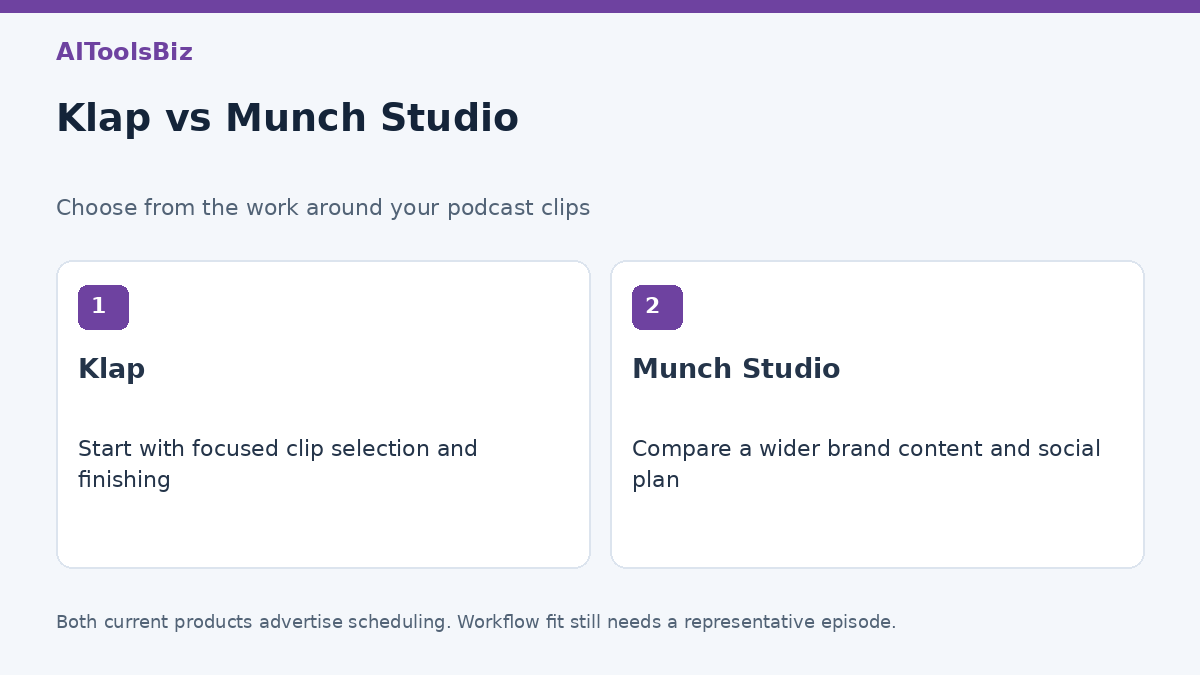
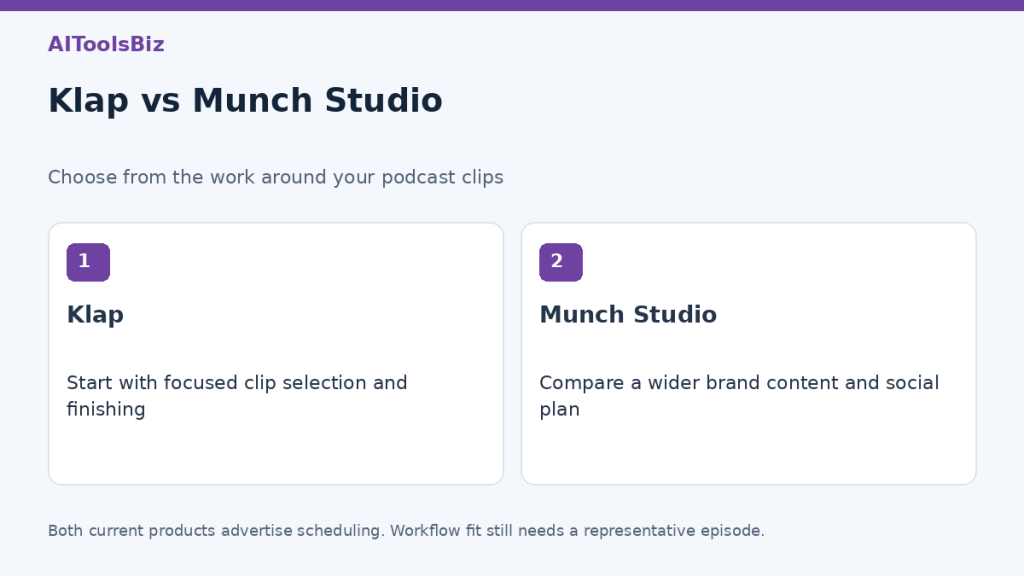
Klap and Munch Studio compared by the work surrounding podcast clips. Original AIToolsBiz editorial graphic.
Klap vs Munch at a glance
| Decision | Klap | Munch Studio |
|---|---|---|
| Main reason to compare | Focused workflow from a long video to short clips | Clips within a wider brand content and social plan |
| Published allowance to watch | Monthly clip allowance | Monthly video repurposing minutes |
| Other published features | Reframing, captions, customization and scheduling | Content planning, other post formats, scheduling and reporting |
| Trial check | One video can be previewed and edited free; export needs a paid plan | Seven-day trial; check the selected plan and renewal terms |
Use the Klap tool overview and Munch overview as introductions. Check the vendors’ live pages for current limits before paying, because older directory descriptions may reflect an earlier product version.
The distinction is workflow emphasis. A solo podcast editor who already has a calendar may need only a good set of candidate clips. A business owner who also needs written posts and graphics may find more value in a wider workspace.
What Klap currently offers
Klap accepts uploaded video or a YouTube link and advertises automatic topic selection, reframing and captions. Its website lists speech-led content such as podcasts, interviews, webinars and tutorials among supported use cases. It also advertises posting and scheduling to TikTok, YouTube, Instagram, LinkedIn and Facebook.
For a podcast, evaluate the candidate clips as a first editorial selection. A strong segment contains enough context to make sense to someone who never heard the episode. A high internal score cannot establish that a clip is accurate, compelling or likely to attract the right audience.
Klap’s public FAQ currently lists a free trial on one video with preview and editing, while downloading and posting require a paid plan. Test the editing controls before paying and confirm export requirements for the plan you select. The official Klap page is the source for those current details.
Klap product artwork from the AIToolsBiz directory.
Where it fits a podcast workflow
If your long episode is already edited, a focused clipping stage can be straightforward: submit the approved video, review candidate moments, repair the framing and captions, then choose a small set for release.
If the full episode still contains substantial corrections or private discussion, finish that edit first. Otherwise a short clip can repeat material you later remove from the main version. Keep the source version and approved short exports together so a correction can be traced to the right recording.
What changed with Munch Studio
Munch Studio describes its origins as getmunch and now combines video repurposing with a wider social content workflow. Its current pages describe content strategy, written posts, graphics, scheduling and a performance dashboard alongside clips. This is why a current comparison needs to distinguish the new package from older clipping-only descriptions.
For a business podcast, consider what happens after an episode is recorded. The team may need a short guest quote, a LinkedIn explanation, a promotional graphic and a calendar entry for the full episode. A combined workspace is useful if it reduces the effort of keeping those assets aligned.
That wider scope also needs evaluation. A generated post can misstate a guest’s point even when the clip itself is accurate. Review the accompanying text, speaker names and any product claim before publishing. Munch’s current product explanation and video repurposing page explain the offering.
Archived Munch product artwork from the AIToolsBiz directory. Archived illustration; current Munch Studio features and prices are described in the text.
When the larger package earns its cost
List the work your team already does outside the clip editor. Include writing post text, arranging the calendar and checking published performance. Then ask whether the additional workspace replaces those tasks or merely duplicates them.
A team with established approval and scheduling tools may prefer to keep them. A smaller business handling everything in separate documents may benefit from consolidation. Make that decision from a real week’s deliverables, rather than counting features that the team will rarely open.
Compare current prices using the same billing period
Klap’s FAQ lists Basic at $29 month to month, Pro at $79 and Pro+ at $189. The corresponding annual-billing equivalents are $14.50, $39.50 and $94.50 per month. Published monthly clip allowances are 100, 300 and 1,000 respectively.
Munch Studio’s pricing page lists Essential at $68 month to month or a $38 monthly equivalent billed annually, with 500 video repurposing minutes per month. Premium is $85 month to month or $60 per month billed annually, with 1,000 repurposing minutes. Its generated-video allowance is a separate feature limit, not the same thing as repurposing minutes.
| Plan | Month to month USD | Annual monthly equivalent USD | Main repurposing allowance |
|---|---|---|---|
| Klap Basic | $29 | $14.50 | 100 clips per month |
| Klap Pro | $79 | $39.50 | 300 clips per month |
| Klap Pro+ | $189 | $94.50 | 1,000 clips per month |
| Munch Essential | $68 | $38 | 500 source minutes per month |
| Munch Premium | $85 | $60 | 1,000 source minutes per month |
Prices checked November 20, 2026. Annual equivalents involve annual billing rather than a monthly commitment. Confirm taxes, current offers, source-video restrictions and export limits on Klap and Munch Studio pricing.
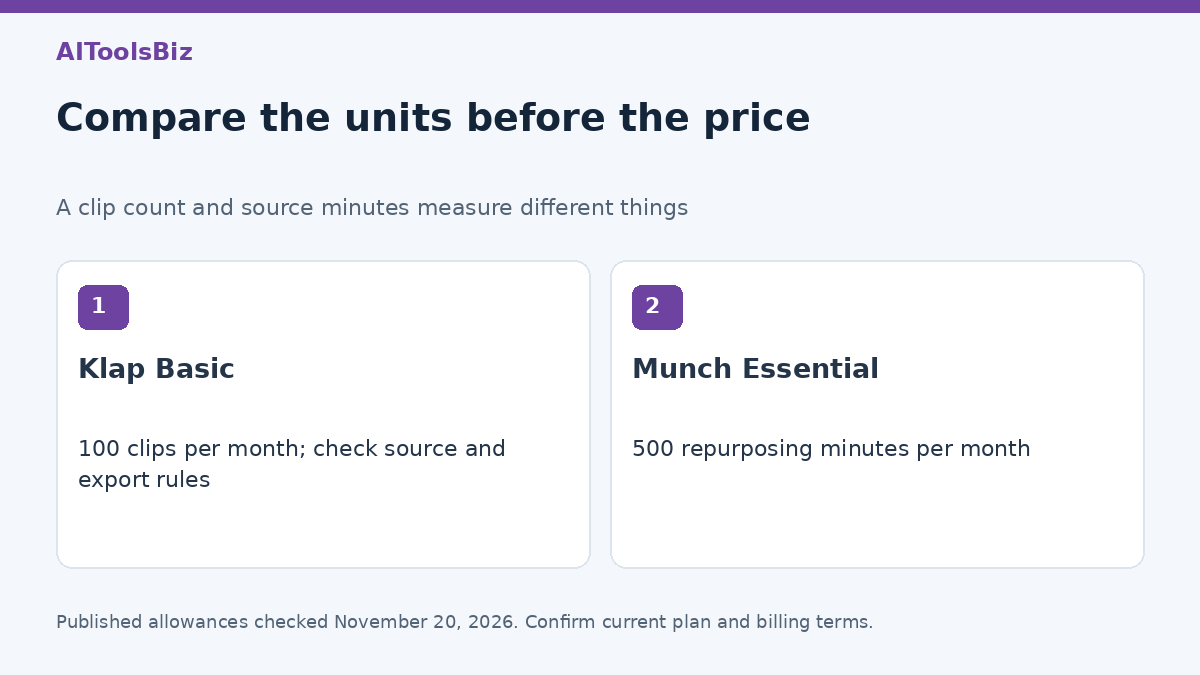
Klap Basic clip allowance compared with Munch Essential source-minute allowance. Original AIToolsBiz editorial graphic.
A four-episode planning example
Four 60-minute episodes equal 240 source minutes. That falls below Munch Essential’s listed 500-minute allowance before any extra processing, other uploads or account-specific charging rules. Confirm how retries and repeat submissions are counted during the trial.
If you want six approved clips per episode, the release plan contains 24 finished clips. That is below Klap Basic’s published 100-clip allowance, but you still need to check how generated candidates, exports and any source limits are counted. Twenty-four releases do not prove that only 24 units will be consumed.
At month-to-month prices, dividing $29 by 24 gives about $1.21 per planned release for Klap Basic. Dividing $68 by 24 gives about $2.83 for Munch Essential. Those figures are subscription allocation examples, not complete production costs or a quality comparison. Munch’s price also covers a broader package, and both workflows still require review.
Use the same episode for a fair comparison
Prepare a source with real editing challenges
Choose an episode with a useful exchange, a speaker interruption and a passage that mentions a product or technical name. If you normally record multiple speakers, include that setup in the trial. A simple solo introduction will not reveal whether a vertical crop can follow a conversation.
Write a short brief before either tool processes the recording. Identify the intended viewer, the subject and the result you want the clip to deliver. For example, a founder interview might need one explanation of a customer problem rather than several motivational quotes.
Evaluate context before the score
Watch each candidate without the full episode. Does the opening explain what the speaker is discussing? Does the ending deliver the promised point? Remove clips that depend on a missing question, an unseen chart or a qualification several minutes later.
Check numbers and claims against the recording. A short edit can change meaning simply by cutting out “in this particular test” or “before the update.” Restore the needed context or choose another segment. An engaging hook is useful only when the rest of the clip supports it.
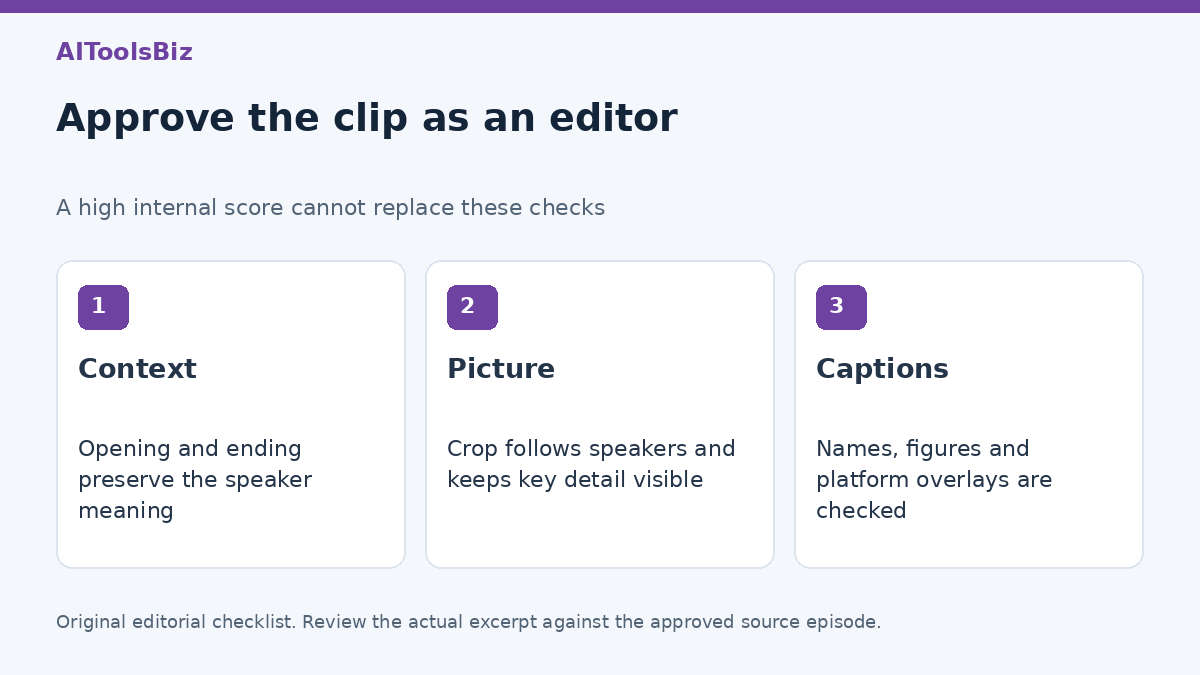
Podcast clip review checklist covering context, picture and captions. Original AIToolsBiz editorial graphic.
Check the crop and captions together
Review speaker changes at normal speed. A crop that looks fine in a still image can become confusing when the other person starts talking. For a screen demonstration, ensure the important control or result remains visible rather than letting a face occupy the whole frame.
Inspect captions on a phone-size preview. Correct names, prices and specialist words. Leave enough space for the destination platform’s interface, and make sure captions do not cover a mouth, a chart label or a product detail that the viewer needs.
Count approved clips and review time
Keep a simple log for both tools: source minutes submitted, candidates reviewed, clips approved and minutes spent repairing them. Record why a candidate was rejected. Several clips may repeat the same point, while another may need too much context to work alone.
Compare the time needed to finish the release set. A tool that creates more candidates may still be slower if most require extensive fixes. The relevant result is a collection of usable clips that serves your channel, not the size of the first output list.
Build a release schedule around distinct ideas
Give each approved clip one purpose. Use one to explain a practical mistake, another to answer a common question and a third to demonstrate a specific result, when the episode supports those choices. Avoid publishing several near-identical excerpts simply because they were generated together.
Choose destination-specific text after the clip is approved. A YouTube Short may point viewers toward the episode, while a LinkedIn post may need a brief explanation of why the conversation matters to a professional audience. Check links and names in each destination’s preview.
Both tools advertise scheduling, but verify the connections and controls available in your selected account. Keep editorial approval before the scheduled release. A calendar saves administrative work only after the media and accompanying text are ready.
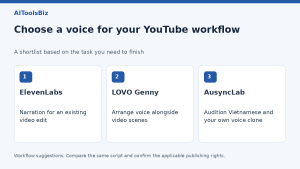
For narration added to an introduction or a translated version, explore the ElevenLabs profile or AusyncLab profile. Generate extra audio only where it helps the viewer understand the original recording.
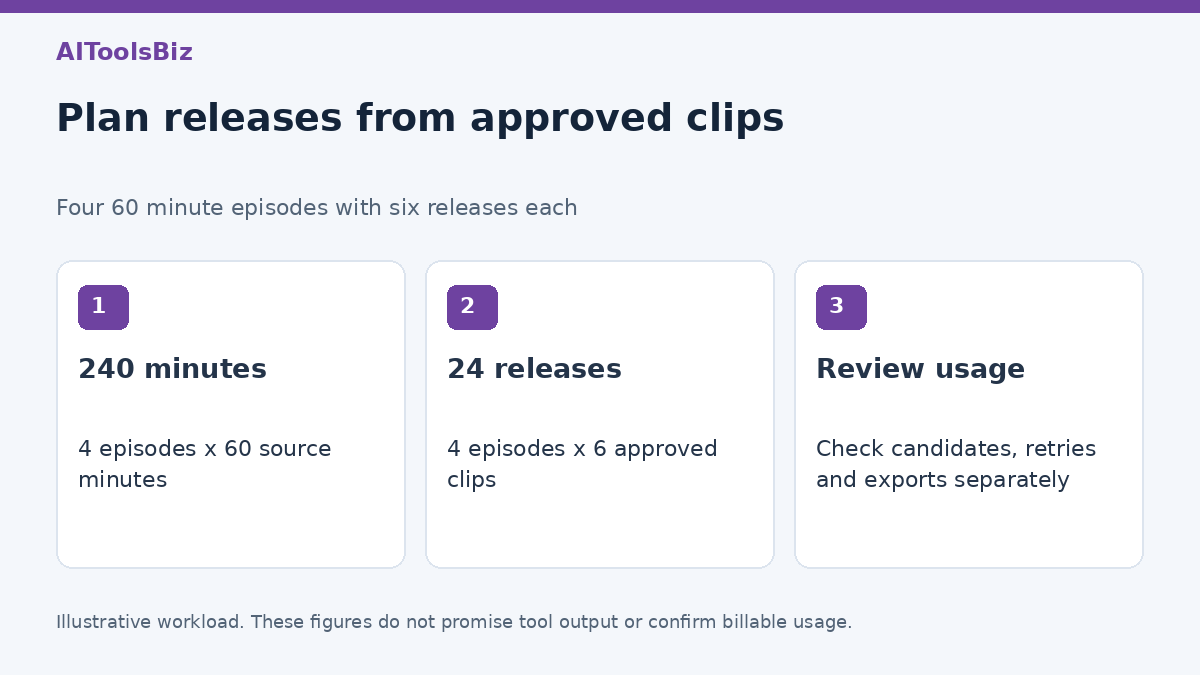
Example release workload of 240 source minutes and 24 approved podcast clips. Original AIToolsBiz editorial graphic.
Frequently asked questions
Is Klap cheaper than Munch
Klap Basic currently has a lower listed subscription price than Munch Essential. They meter different units and provide different packages. Compare the lowest plan that covers your source videos, approved releases and required workflow.
Can both tools schedule social posts
Both current websites advertise scheduling. Confirm the supported destinations, connection limits and available controls for the plan and account you intend to use. Do not rely on a comparison written for an older version of either product.
Is Munch still just a clipping tool
Munch Studio currently presents a broader social content product with video repurposing included. Its brand planning, other post formats and calendar are part of the reason to compare it.
Will either tool guarantee viral clips
No score can guarantee audience response. Review the actual excerpt, publish distinct ideas and learn from the audience you reach. Treat internal scores as suggestions for review rather than promises of views or revenue.
Which one should you choose
Start with Klap when the missing step is selecting and finishing podcast clips inside an otherwise established production process. Compare Munch Studio when the team also needs a wider brand content plan and can use those additional tools regularly.
Try Klap through our partner link, or open the Munch listing for its current outbound partner route. For more editing choices, browse the AIToolsBiz directory. Use one representative episode to make the final decision before committing to a larger billing period.